Step 1
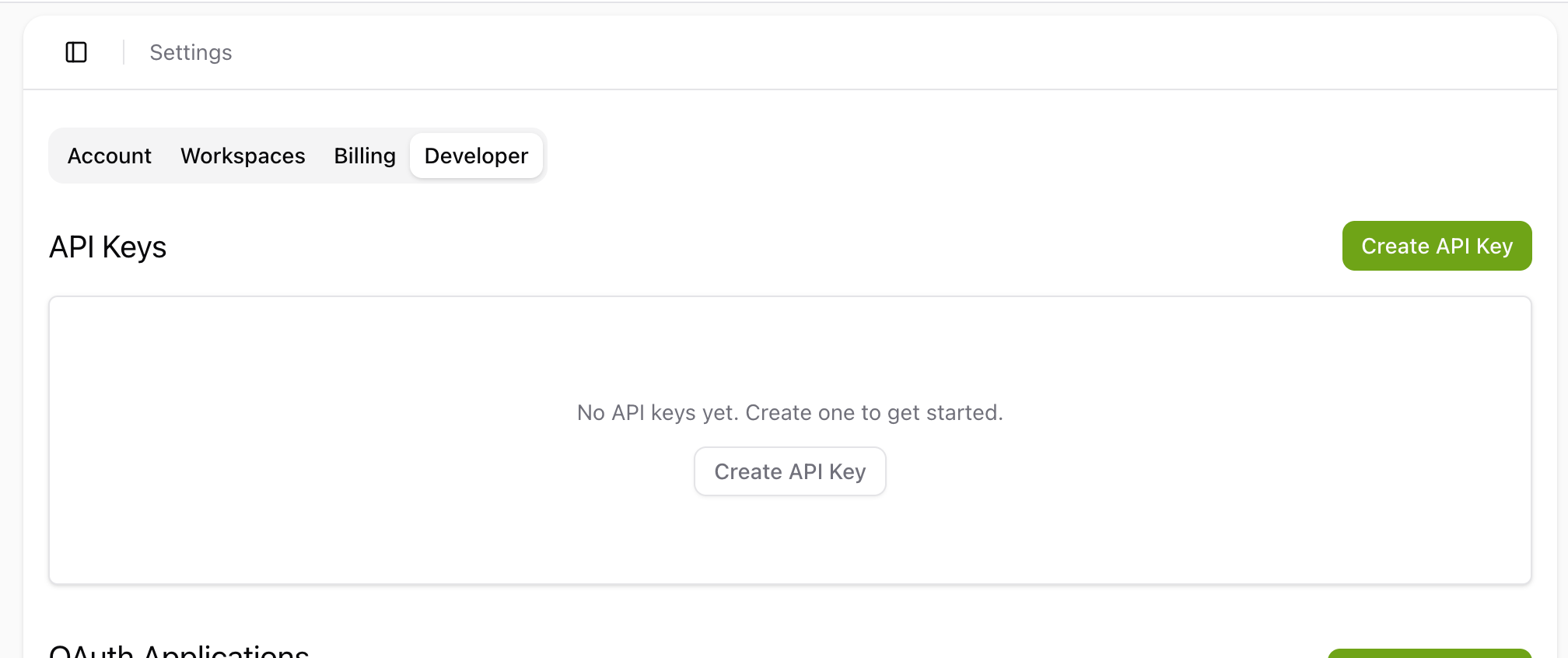
Open Settings → Developer
In your Tactic Social account, open Settings and click the Developer tab. You'll see the API Keys section.


Register Tactic Social as an MCP server in the Claude Code CLI. API keys don't expire and take one command to set up — or use OAuth if you prefer browser-based login.
Step 1
In your Tactic Social account, open Settings and click the Developer tab. You'll see the API Keys section.
Step 2
Click the green Create API Key button in the top right — a dialog will open to configure your key.
Step 3
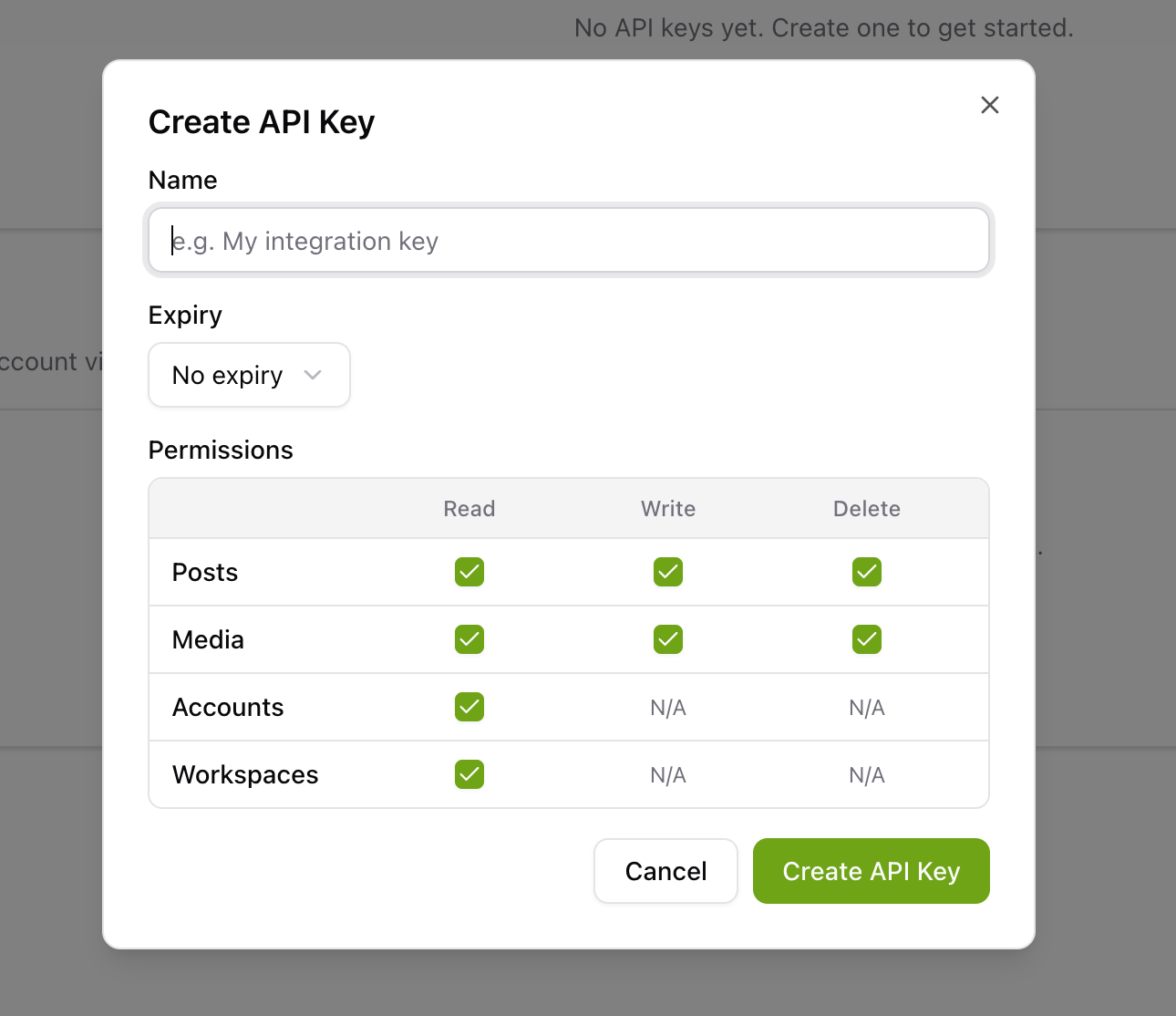
Give your key a name (e.g. My integration key), choose an expiry, and select the permissions you need. Click Create API Key, then copy the key that appears.
Step 4
Open your terminal and run the command below. Replace YOUR_API_KEY with the key you copied.
Add --scope project to share with your team, or --scope user for cross-project personal use.
Step 5
Run claude mcp list to confirm Tactic Social appears in your MCP server list.
Step 6
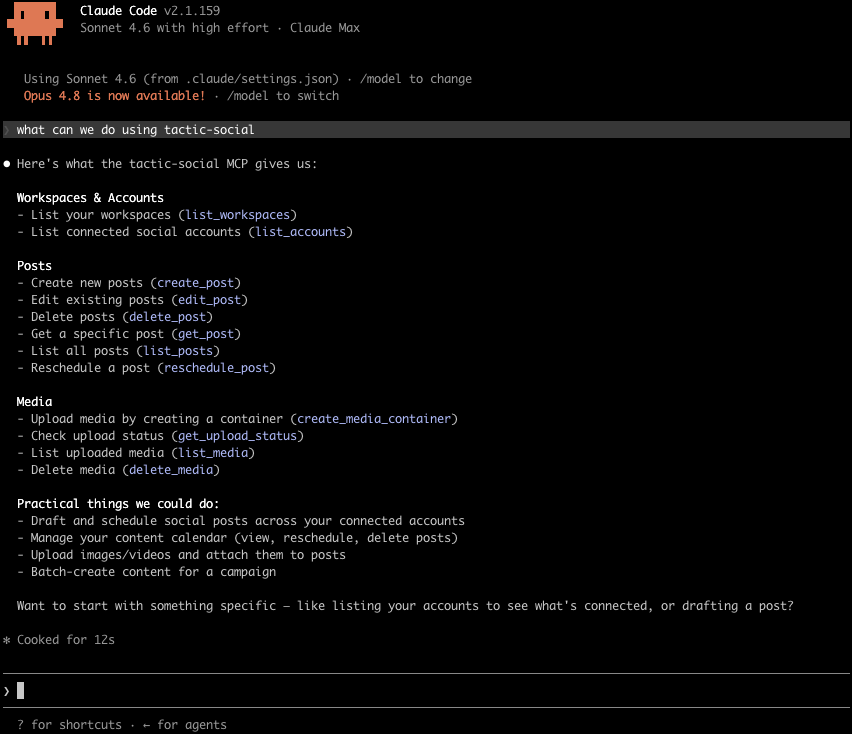
Run claude in your project directory. The Tactic Social tools are now available — ask Claude to manage your social posts.
Scope options: The command below uses local scope (private to your current project). Add --scope project to share it with your team via .mcp.json, or --scope user for personal cross-project use.
Step 1
Open your terminal and run the command below. Replace tactic-social with any short name you prefer.

Step 2
Inside Claude Code, run the /mcp command, pick tactic-social from the list, and follow the browser steps to log in.

Step 3
A browser window will open showing the Tactic Social authorization page. Click Approve to grant access. You'll be redirected back to Claude Code with the connection active.

Step 4
The Tactic Social MCP server is now active. Ask Claude Code to draft posts, schedule content, or review your calendar — without leaving your editor.
Try asking your AI assistant to get started:
Click the prompt to copy it
Tactic SocialPost content to all your social media platforms at once. Effortlessly schedule, crosspost, and optimize your content in one place.
Automation
Platforms
Size Guides
© Copyright 2026, All Rights Reserved by Tactic Social